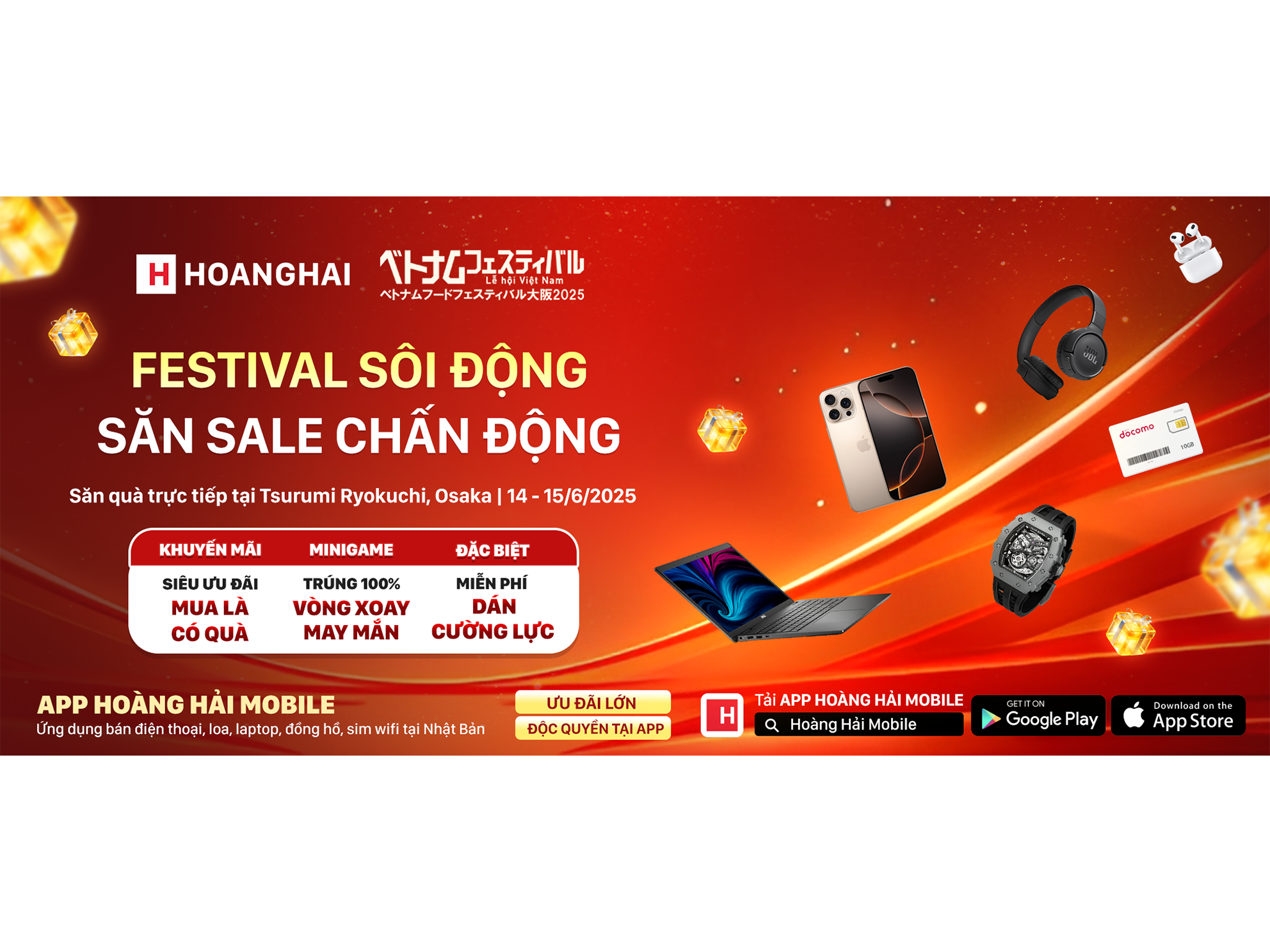
Nhân dịp ra mắt ứng dụng mới, Hoàng Hải Mobile liên tục triển khai các chương trình khuyến mãi độc quyền dành cho các đơn hàng đặt trực tiếp trên ứng dụng. Ngoài ra, với mỗi đơn hàng đặt thành công, quý khách còn được tích điểm để hưởng các ưu đãi theo hạng thành viên sau này.
Còn chần chừ gì nữa mà không đăng ký thành viên và đặt hàng ngay!
I. Đăng ký tài khoản thành viên
1. Tải ứng dụng Hoàng Hải Mobile
Dành cho điện thoại iPhone: Bấm vào đây
Dành cho điện thoại Android: Bấm vào đây
2. Hướng dẫn cách đăng ký thành viên


II. Hướng dẫn đặt hàng
Sau khi đăng ký thành công, quý khách có thể tiến hành đặt hàng như sau:
1. Lựa chọn sản phẩm muốn mua
Có 2 cách để tìm sản phẩm như bên dưới:
Cách 1: Bấm vào thanh tìm kiếm ở trên cùng và nhập tên sản phẩm cần tìm, lưu ý nếu sử dụng cách này quý khách cần phải ghi đúng chính tả

Cách 2: Tìm theo danh mục ở trang chủ.
Hình dưới Hoàng Hải sẽ minh hoạ bằng cách chọn danh mục Sim Wifi, ứng dụng sẽ hiển thị tất cả sản phẩm Sim Wifi đang bán tại Hoàng Hải.

Sau đó, quý khách bấm vào biểu tượng hình phễu như hình dưới để sử dụng bộ lọc nhằm lọc ra các sản phẩm theo tiêu chí mình muốn. (Lọc theo thương hiệu, loại sản phẩm, khoảng giá, chi nhánh còn hàng...)

2. Thêm sản phẩm vào giỏ hàng
Sau khi chọn được sản phẩm muốn mua, quý khách bấm vào để xem thông tin chi tiết của sản phẩm. Nếu quyết định mua, quý khách bấm Thêm vào giỏ hàng

Sau khi bấm Thêm vào giỏ hàng, biểu tượng giỏ hàng trên góc phải màn hình sẽ báo đỏ, quý khách bấm vào biểu tượng giỏ hàng và xem lại sản phẩm mình đã thêm vào giỏ, sau đó bấm Thanh toán

3. Nhập thông tin đơn hàng
Các thông tin cần nhập để đặt đơn hàng bao gồm địa chỉ, phương thức vận chuyển & thanh toán, ghi chú và mã giảm giá nếu có
3.1 Nhập địa chỉ giao hàng
Bấm vào địa chỉ giao hàng quý khách sẽ được lựa chọn lấy hàng tại các chi nhánh còn hàng của Hoàng Hải, hoặc giao hàng tới địa chỉ mình muốn.

Nếu muốn giao hàng tận nhà, quý khách bấm vào thêm địa chỉ mới và nhập đầy đủ thông tin được yêu cầu


Tiếp tục bấm vào địa chỉ vừa tạo màn hình sẽ lại hiển thị trang chi tiết đơn hàng để cập nhật các thông tin tiếp theo

3.2 Chọn phương thức vận chuyển và thanh toán
Tuỳ vào sản phẩm sẽ có các phương thức thanh toán khác nhau. Ví dụ với Sim quý khách sẽ có các lựa chọn như Daibiki (nhận hàng thanh toán), bì thư trao tay, bì thư bỏ hòm. Đối với mặt hàng giá trị cao, quý khách sẽ được miễn phí ship nếu chuyển khoản trước.
Ngoài ra quý khách có thể thêm ghi chú về giờ nhận hoặc yêu cầu gói quà... Lưu ý đăng ký giờ nhận không áp dụng đối với ship bì thư

4. Đặt hàng
Sau khi kiểm tra lại thông tin, tổng số tiền, tiếp tục bấm vào nút Đặt hàng

Như vậy là quý khách đã đặt hàng thành công, màn hình sẽ hiển thị mã số đơn hàng. Trường hợp chuyển khoản, vui lòng lướt xuống dưới, Hoàng Hải đã để sẵn thông tin tài khoản ở Nhật Bản cũng như ở Việt Nam

5. Tải lên biên lai chuyển tiền
Trường hợp quý khách chọn phương thức chuyển khoản, sau khi chuyển, vui lòng truy cập vào lại ứng dụng để tải lên ảnh biên lai chuyển tiền vào đúng đơn hàng. Cách vào lại như sau:
Bấm vào mục Tài khoản => Đơn hàng => Chọn đơn hàng muốn gắn biên lai => Bấm vào Gắn biên lai


Như vậy là quý khách đã hoàn thành đặt hàng trên ứng dụng Hoàng Hải Mobile. Khi đơn hàng được gửi đi quý khách sẽ nhận được thông báo trong ứng dụng và có thể theo dõi được đơn hàng thông qua cập nhật của bưu điện, bằng cách:
Vào lại Đơn hàng => chọn mục Đã gửi hàng => bấm vào đơn hàng => bấm vào Theo dõi

Nếu có bất kì thắc mắc nào hoặc cần hỗ trợ tất cả các vấn đề liên quan đến mua hàng và thao tác trên ứng dụng, quý khách có thể dễ dàng liên hệ với Hoàng Hải thông qua biểu tượng Messenger ngoài trang chủ của ứng dụng.

Rất mong nhận được sự ủng hộ từ quý khách!